


This is the first post in a series of Automating SharePoint Integration with Dataverse using Power Automate. You can check out the other posts via these links (Part 2, Part 3, Part 4, Part 5, Part 6)
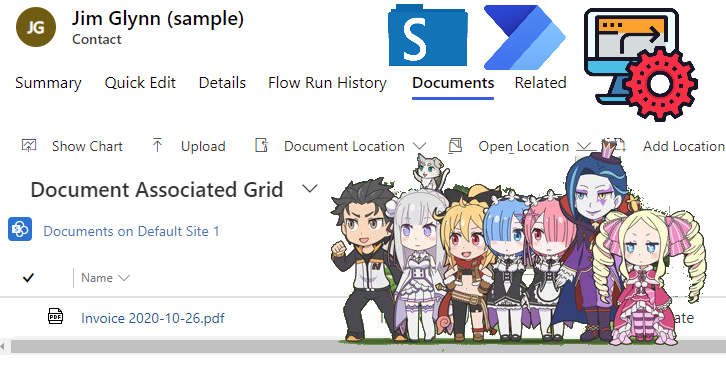
This post will explain how you can automatically create the SharePoint Document Location using the cloud flow in Power Automate when a new row is added to the Dataverse/Dynamics 365 table.
…
Continue Reading noreply@blogger.com (Linn Zaw Win)’s Article on their blog
Automatically Create SharePoint Document Location for Dataverse/Dynamics 365 Using Cloud Flow (Part 1 of 8)
By using Microsoft Dataverse connector and SharePoint connector in Power Automate, the SharePoint Document folder can be automatically created as soon as a row is added to any Dataverse table with document management enabled.
Blog Syndicated with noreply@blogger.com (Linn Zaw Win)’s Permission