



Recently we were cleaning some of the work orders and related records in one of our environments. However when trying to delete the bookable resource booking record, we were getting the below error. Deleting booking records is required if we want to delete the associated work order record.


We verified all the processes – workflows, SLA, and also checked the system’s plugin code, but could not figure out what was causing this error.
Eventually, to delete the booking records, we cleared the associated work orders first for them.
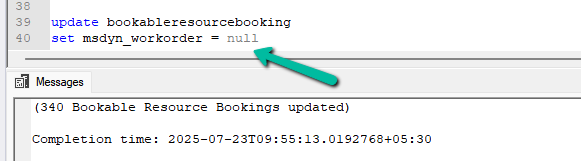
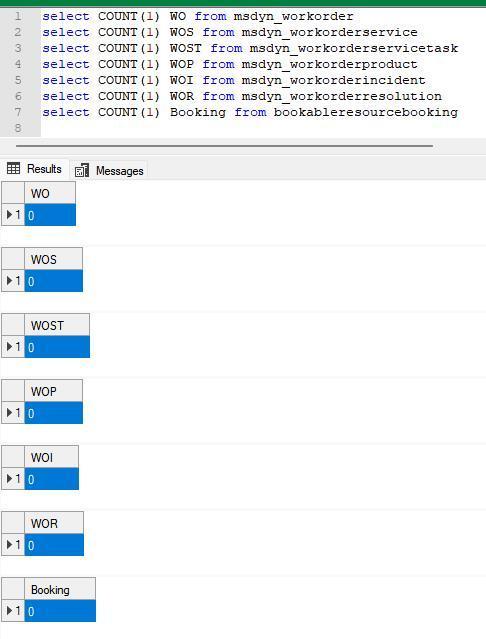
This then allowed us to delete the work orders and associated records
Check for more details on deleting work orders –
Step-by-Step: Deleting Work Orders (Dynamics 365 Field Service)
Hope it helps..
Discover more from Nishant Rana’s Weblog
Subscribe to get the latest posts sent to your email.
Share It –

