

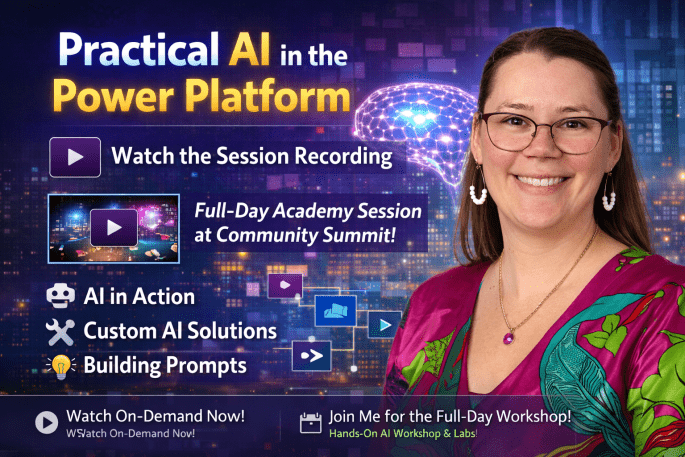


Practical AI in the Power Platform has quickly become one of my favorite sessions to deliver this year. It’s the perfect blend of “what’s possible right now,” “what makers can start customizing today,” and “how to build your own AI features without diving into custom model development.” If you’ve been wondering how to bring AI into your apps, automations, or Dynamics 365 workloads in a real and practical way, this session is built for you.
I’ve also included a full recording of the presentation so you can watch it on your own time — scroll down for the video.
 What This Session Covers
This talk is designed to meet people where they are — whether they’re users, makers, or solution architects looking to level up their AI strategy.
For Users
- Everyday AI features already available in Dynamics 365
- Copilot for Sales and Customer Service
- Smart Paste and other “little magic moments” that save time
For Makers
- How Copilot enhances Power Apps, Power Automate, and Power Pages
- Plan Designer, Vibe, and Describe‑it‑to‑Design‑it
- How to customize AI experiences to fit your business processes
For Builders
- How to extend Copilot experiences inside Dynamics
- Where prompts fit into the Power Platform
- A live demo showing how to build and refine prompts
This session is intentionally practical — no heavy theory, no custom model training, just real examples you can start using immediately.
 Session Recording
 Coming to Community Summit: Full‑Day Academy Workshop
If you enjoy the session, you’re going to love what’s coming next.
I’ll be delivering a full‑day Academy workshop at Community Summit that takes Practical AI in the Power Platform to the next level. This Academy session goes deeper into:
- AI fundamentals for Power Platform professionals
- Hands‑on labs for user tools, maker tools, and prompt engineering
- Building and customizing AI features in your own environment
- Real‑world patterns, guardrails, and best practices
- How to think about AI strategically across your organization
This is a full day of learning, experimenting, and building — perfect for anyone who wants to walk away with skills they can apply immediately.
Links

 Final Thoughts
AI is no longer a future capability — it’s already woven into the Power Platform and Dynamics 365. Whether you’re a user trying to save time, a maker looking to accelerate development, or a solution architect shaping long‑term strategy, there’s something here for you.
I hope you enjoy the session recording, and I’d love to see you at the full‑day Academy workshop at Community Summit.
The post Practical AI in the Power Platform appeared first on Kylie Kiser.