

Now Reading: Logic apps – Check the empty result in SQL connector
-
01
Logic apps – Check the empty result in SQL connector

There are several ways to detect when a SQL connector—whether using a Select or Execute a Query action—returns an empty result.
I’ve found the following approach to be consistently simple and reliable.
For example, suppose I have an Execute Query action that runs the following statement:
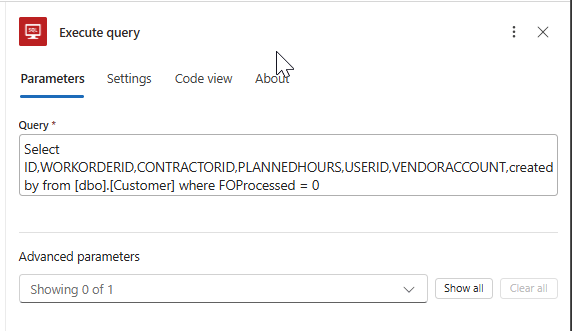
Upon executing, it results in the below output
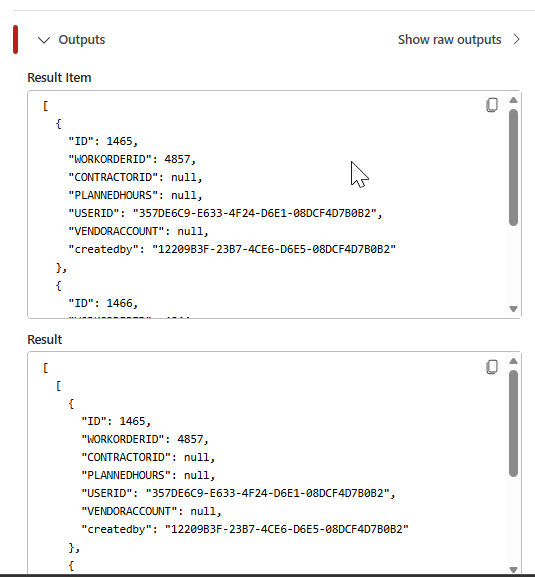
If the query returns data, the subsequent steps will run as expected. However, when the result set is empty, there’s no need to continue the workflow. So how do we handle this scenario?
One reliable approach is to add a Parse JSON action and feed it the output from the previous step.
Simply copy the Result from the query output and use it to build the schema in the Parse JSON action
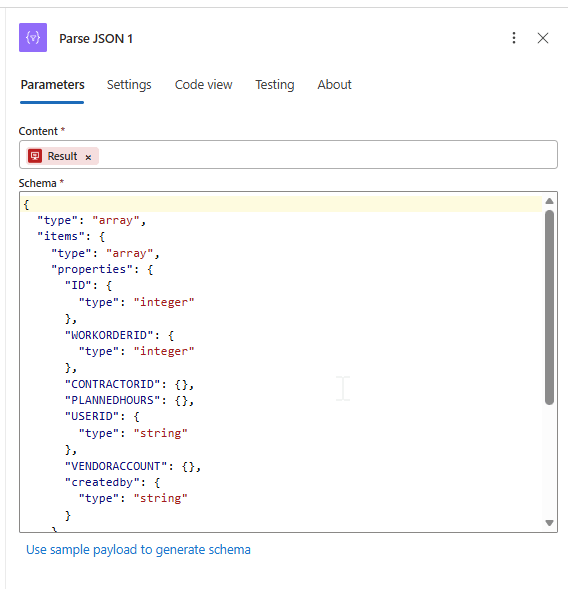
Content will be the result of the previous query.
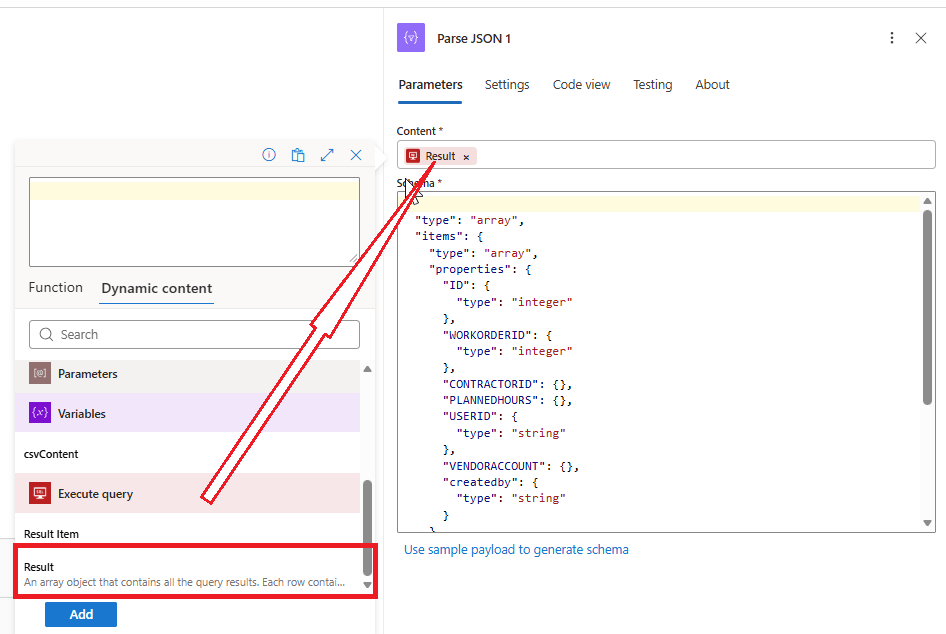
When the Parse_Json step is executed, the output will be in the Json format.

Now add the condition to check if the result of Parse_Json step is empty.
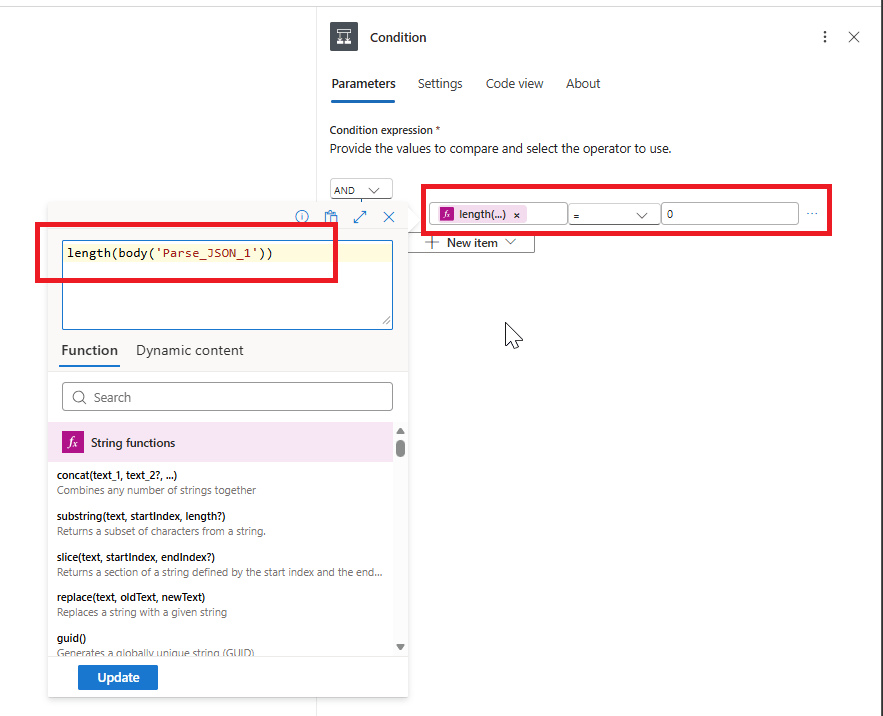
If the length is 0, then I am terminating the flow
The complete Logic apps will look like this

Original Post https://anithasantosh.wordpress.com/2026/03/17/logic-apps-check-the-empty-result-in-sql-connector/


