

Now Reading: Limit the Records in Sales order list page- D365FO
1
-
01
Limit the Records in Sales order list page- D365FO


Do you want to limit the number of sales orders in SO List Page? You can enable using the below parameter.
Navigate to Accounts Receivable Parameter ->General -> Sales Setup
Default value 0 disables the limit. As per the help text given , a recommended value of 1 to 200 can be given for optimal performance.
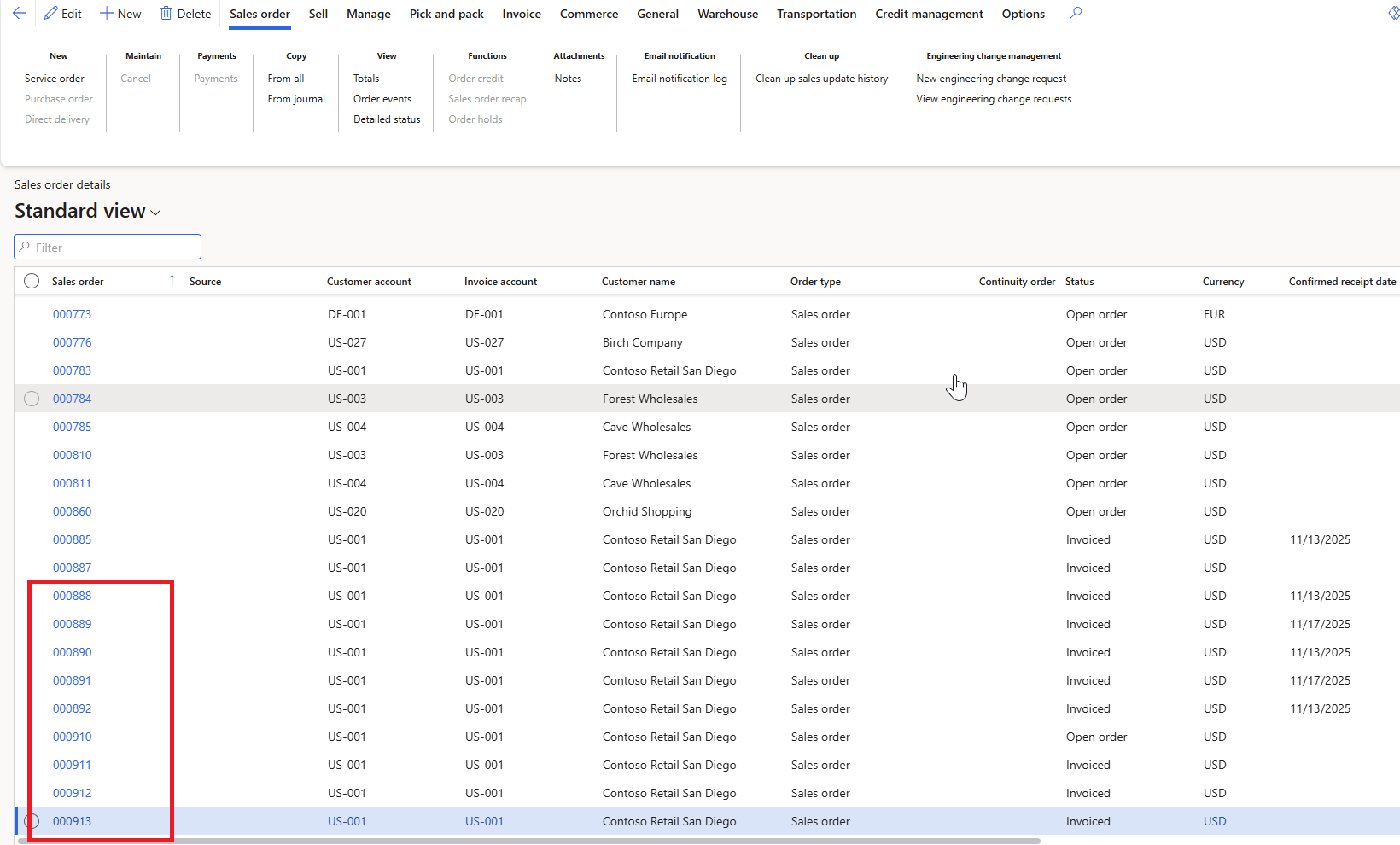
I tested with a value of 25 and the ListPage shows exactly 25 records. How are these records being selected? It appears to be displaying the orders sorted in descending order by Order Number.
Original Post https://anithasantosh.wordpress.com/2026/01/07/limit-the-records-in-sales-order-list-page-d365fo/


Top Headlines


Support The Site
