

Disclaimer before you read this:
I’m absolutely not against vibe coding. I think AI tools are good and extremely useful for coding today. Companies should use them. But companies must use them with rules and best practices.
AI coding tools are powerful. They help developers work faster. They solve hard problems. They save time.
But like all powerful tools, they can have problems if you do not use them carefully. I’ve spent lots of time in the last months observing partners and customers embracing AI for vibe coding or for internal solution development and I’ve a personal idea on this topic now (that maybe can be different from yours absolutely).
This post is not saying “do not use AI.” This post instead is saying “use AI, but know the dangers. Watch out for the problems. Have a plan.“
This is about using AI tools smart. Using them with rules. Understanding what can go wrong. And making sure your team stays strong and skilled. And these are absolutely personal opinions that I would like to discuss with you…
The expensive surprise.
When companies started paying AI per token (pay for what you use), the bills were shocking. Before, you paid a fixed price each month. Now you pay for each request. AI systems that work on many small tasks can use up your whole month’s budget in just a few days. 💸💸💸
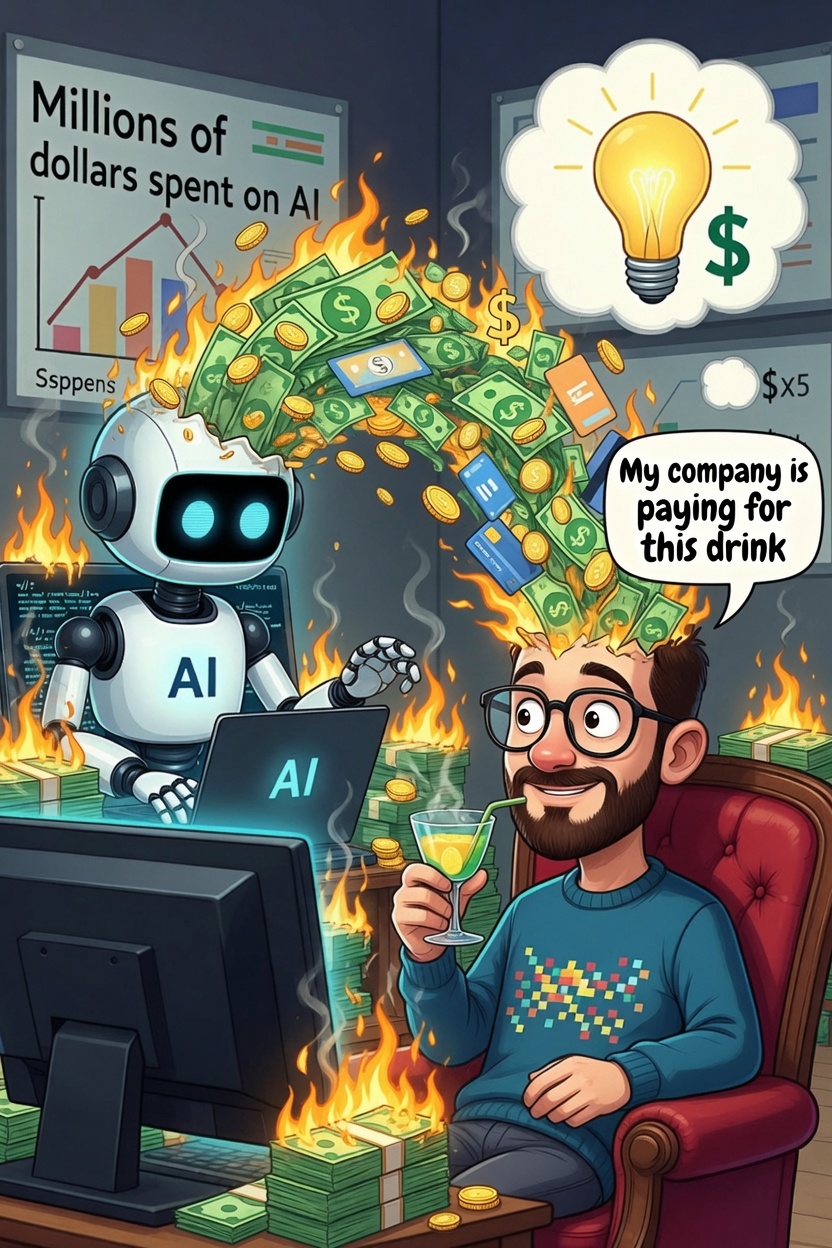
For Business Central developers, this is painful. BC projects use complex logic, need to follow rules, and connect to many systems. These projects seem perfect for AI. But each time you ask AI to help, it costs money. Each design choice. Each time you improve code. Each small fix costs tokens.
Most companies added limits: spending caps, alerts, budget controls. These help a little. But they are just temporary fixes for a bigger problem. The real question is: what if we used AI less, not by spending less, but by designing smarter?
Use less tokens: a new way of thinking.
Using less tokens is not about saying no to AI. It’s certainly optimizing how we use AI but also about designing systems that do not always need AI to work.
The main idea is simple: not every problem needs AI to solve it. Some problems are already solved. Some problems are better solved with good design. Some problems are solved best with patterns that are already known.
For example: you need to connect a Business Central extension to a price service. A smart way is: ask Copilot to write a starting solution. Then you take that code and make it better by hand. You fix small things. You improve error handling. You add logging. You test it. You find problems and fix them yourself.
This way, AI helps you start fast. But you stay in control. You learn the code. You can debug it. You can improve it. Your team keeps their skills strong. Don’t forget you still have a brain!🧠
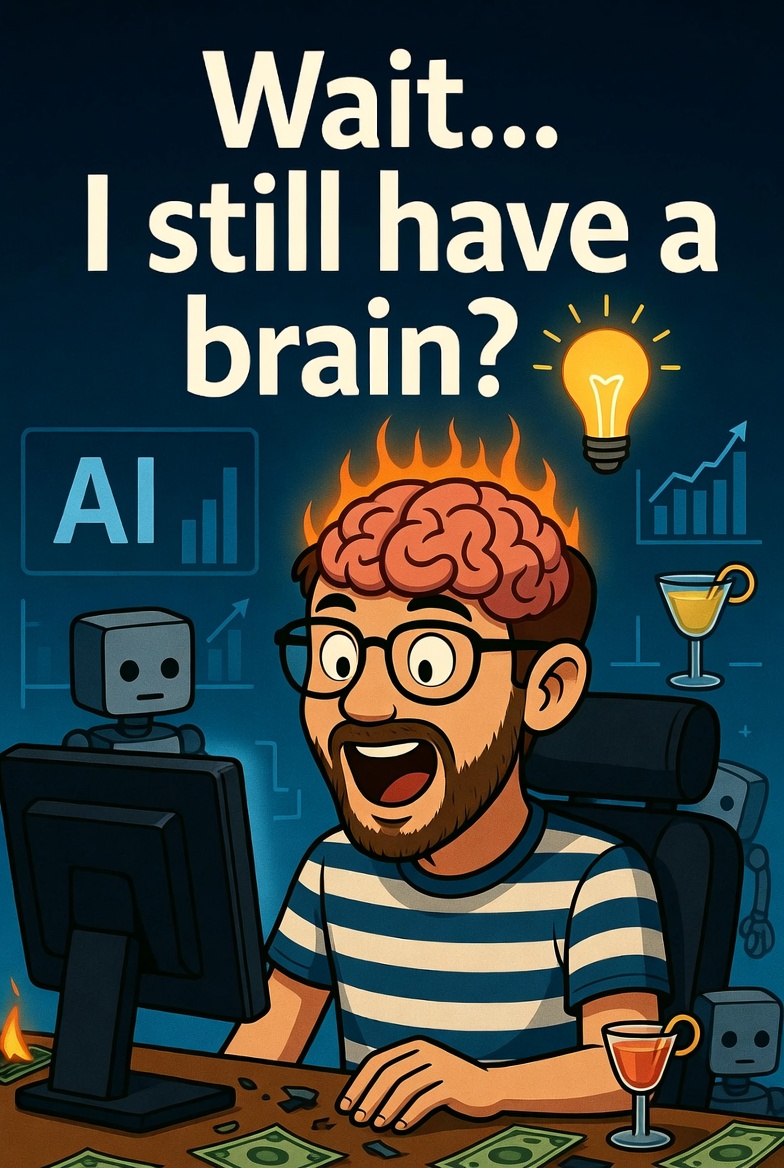
The key is: use AI to start. Use your hands and brain (also in combo with AI) to finish and improve when needed.
For Business Central, this could mean:
- Use what Business Central already has. Before asking AI to write code, check if we can use standard features and tools. I see many times developers starting vibe coding sessions ignoring standard features and capabilities that are already in the product. One costs zero tokens, one costs hundreds.
- Build code we use again and again. Some code that handles outside services, saves data, and handles business problems can be written once (with AI help) and used many times without needing AI again. You pay tokens once, then use it for free.
- Write templates for common work. Most Business Central projects do the same things: add data screens, connect to outside systems, run batch jobs. Write good examples once that developers can copy and change. Less need for AI help on each new project.
Track token usage like you track everything else: the idle developer problem.
Here’s something most organizations don’t talk about (or don’t want to admit): when a developer starts a vibe coding session, they often just watch and wait.🥱😴
A developer asks Copilot to build a complex feature. They hit enter. The AI runs. The developer sits there. Watches the terminal. Checks Internet. Gets coffee. The AI session uses thousands of tokens. The developer does nothing.
Organizations don’t track this. They see the token bill and pay it. But what they’re really paying for is a developer sitting idle while the AI works.
This needs to change. You should monitor token usage the same way you monitor your servers.
Just like your DevOps team watches CPU usage, memory usage, and disk space, you need to watch AI token usage. Track:
- Who uses it: Which developers run AI sessions? How often?
- How long: How many minutes does each session take?
- Token cost: How much does each session cost?
- Developer cost vs AI cost: A developer costs money per hour. When they sit idle for 15 minutes watching AI work, that’s money wasted.
Simple math: A developer earning €60 per hour sits idle for 15 minutes while AI burns 2,000 tokens (costs €1). The organization paid €15 in developer salary to save €1. If this happens three times a day, you lose money.
What should you do about this? When your monitoring system sees an AI session running (meaning a developer is probably waiting), do this:
- Give them other work to do. Code reviews. Documentation. Planning. Fixing old bugs. Teaching new developers. These tasks don’t need them to remember what they were doing before.
- Move between tasks. After an AI session finishes and the developer checks the work, they pick up another task. Small tasks. Tasks they can finish before starting AI coding again.
This is not about making developers work harder. It’s about using time smarter. AI needs time to think and work. Your team can use that time for work that doesn’t need that specific developer right now.
The best organizations don’t spend the most on AI. They watch how AI time works. They track it. They use that time for other important work.
The skill loss problem.
But the money problem hides a bigger problem. Every time a developer uses AI to solve something they do not really understand, they are making a choice about their skills without knowing it.
Using AI too much causes skill loss. This is what I’m start observing every day more. When developers let AI make design decisions, they stop learning how to make good designs. They lose the feeling for what works and what does not.
This happens in Business Central work in several ways:
- Not seeing patterns. A developer who never builds a table-based rule system will not know when to use one. They ask AI, get an answer, and move on. They never learn why this works. Five years later, they still ask AI for every choice.
- Weak connections to outside systems. Building good connections to outside systems needs to understand what happens when things break, how long to wait, and how to save the state. Developers who let AI write this code do not learn these things. When something breaks, they cannot fix it. They cannot make it faster. They cannot teach others.
- Not understanding speed. Business Central needs to be fast because it handles lots of data. Speed matters. Ways to save data, caching, getting data in chunks—these all matter. But many developers have never built these things themselves. AI can help them build it, but they do not understand the choices.
- System thinking. The biggest, most expensive mistakes in code are about how the whole system fits together. This needs someone to think about the whole picture. This kind of thinking cannot be given to AI. But developers who always use AI do not learn this skill.
The strange thing is: tools that make you faster now might make you weaker later.
Toward a sustainable model.
So what does a sustainable approach look like for Business Central teams?
Watch token usage like you watch server metrics. Connect to your monitoring tools. See who uses AI, how long sessions run, and what the real cost is. Not just the token cost—the total cost (AI + developer time). When you see a developer running the same kind of long AI session every day, you can fix it.
Assign work during AI sessions. When your system sees an AI session running, make sure the developer has something else to do. Code reviews. Documentation. Planning. Architecture work. This stops people from just watching the AI work.
Learn your platform deeply. Teams need time to really understand Business Central. Build things without AI. Learn AL properly. Read the documentation to understand patterns, not just to finish tasks. This is hard if developers spend all day watching AI.
Write down your patterns. When you solve something well, document the pattern. What choices did you make? Why? This becomes reusable knowledge. Next time, no tokens needed—just copy the pattern.
Count the real cost. Every external service you integrate. Every AI-powered feature. Every time you ask an AI to decide something. All of these cost tokens today and cost time tomorrow. Build this cost into your decisions. Sometimes the simple, boring solution is the cheapest.
Someone needs to think about the whole system. Not everything can use AI. Someone on your team needs to see the whole picture. How all the pieces fit together. This person needs time to think and learn. Keep them from just watching AI sessions. They’re too important.
The real question that you should never forget.
The token bill is not the real problem. Soon, costs will come down. Many companies now offers AI and prices will be always more fair I think.
The real question is: what happens to your team’s skills if they never use them?
Skills fade fast when you stop using them! A developer who has not built an application in two years cannot build one anymore. A developer who has not fixed a slow query in three years cannot do it now. Once you lose these skills, they are very hard to get back.
This is the real danger. Not the cost. The cost goes down. But lost skills? Lost skills stay lost.
When developers use AI for everything, this is what happens:
- They stop building skills. No practice. No learning. No growth.
- New developers have no one to learn from. The senior developers do not know how to teach because they have not done the work in years.
- The team becomes weak. When something breaks, nobody can fix it. When the AI is wrong, nobody notices.
- The company loses power. Teams with strong skills can do anything. Teams that depend on AI cannot.
In five years, two things will happen:
Team A: Used AI smartly. Built real solutions. Learned from the work. Fixed problems by hand. Taught others. Their skills grew stronger. When they use AI now, it makes them faster. They are valuable everywhere.
Team B: Used AI for everything. Never learned. Watched the AI work. Let it make the choices. Now they cannot build anything without AI. They cannot fix problems. They cannot teach new people. They are stuck.
Using less tokens is not about saving money. It is about keeping your team strong. It is about building skills that last. Skills that make you valuable. Skills that let you teach others. Skills that let you solve any problem.
My personal two cents: Start today. Find something you ask AI to do. Learn to do it yourself. Learn why it works. Teach someone else how to do it. Then when you use AI, it will make you powerful instead of making you lazy.
That is the real choice. Not AI or no AI. But strong skills or no skills.