

Back on September 4th I wrote about the model app builder, the Power Platform plugin that stands up a model-driven app from a description instead of from four hours of clicking. I said at the time that the interesting thing was not the app builder itself but the delivery mechanism sitting underneath it, and that there were other plugins in the same marketplace worth looking at. Well, here we are.
The article is Get started with the Power Automate plugin for GitHub Copilot CLI and Claude Code, dated 2026-09-16 in the Power Automate documentation. Same marketplace, different plugin, and this one goes after cloud flows: create, edit, run, debug and manage, all from a terminal.
Now, I did not want to write this one from the page. Anybody can summarize a doc. So I installed it, pointed it at a throwaway Developer environment, and tried to build something. What follows is what actually happened, which turned out to be considerably more interesting than the happy path.
Background
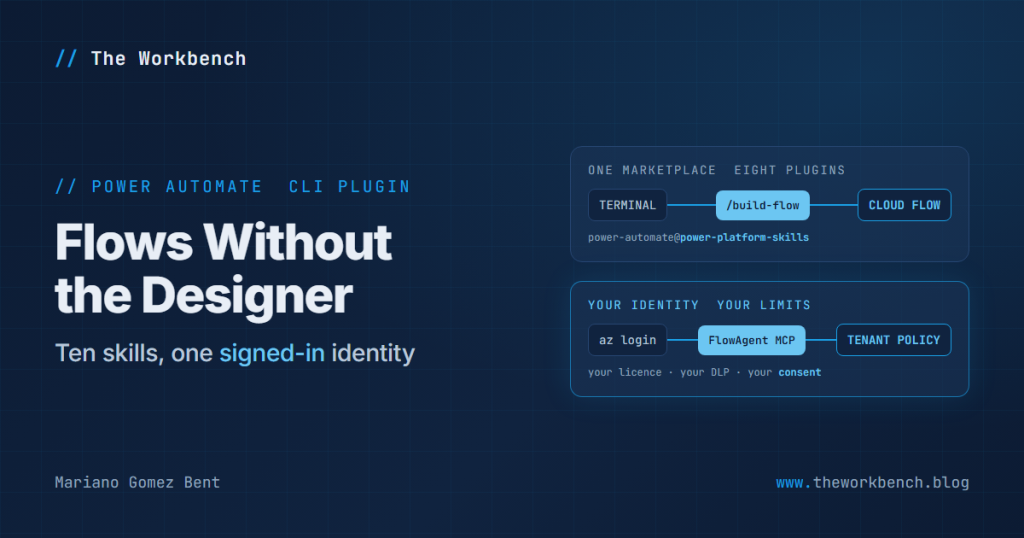
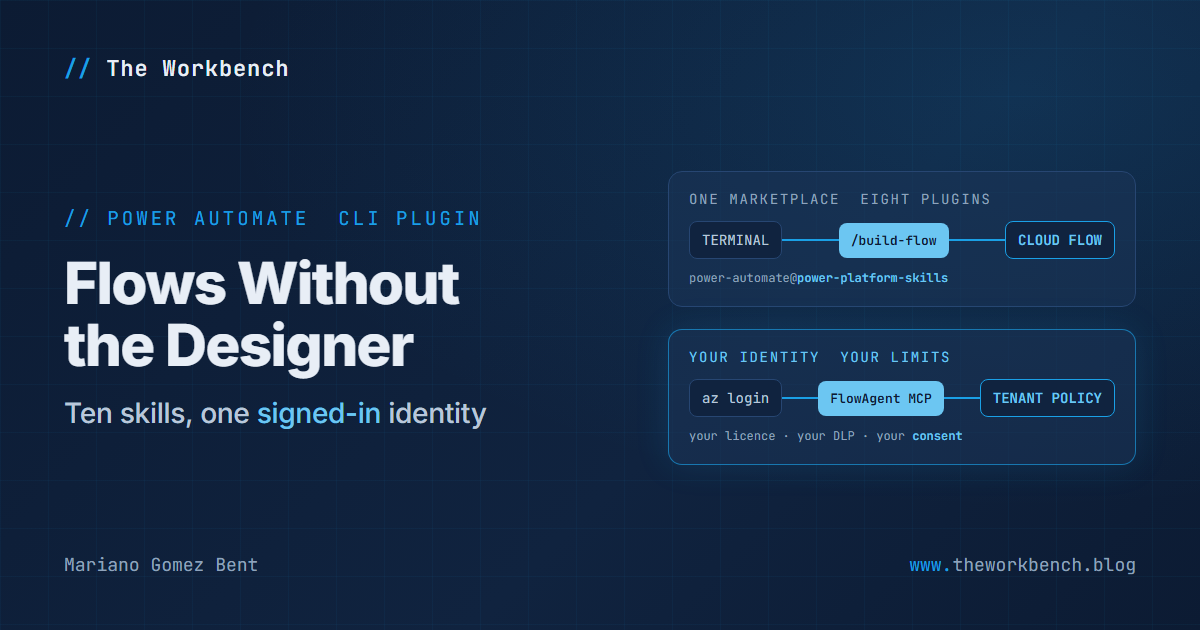
First, a distinction the documentation assumes you already have. Power Platform Skills is a marketplace, not a plugin. It lives at microsoft/power-platform-skills and it currently carries eight of them: power-pages, model-apps, mcp-apps, canvas-apps, code-apps-preview, mobile-app, power-apps-mobile-extension and power-automate. The marketplace is the delivery channel. The plugin is the thing delivered, which is why the install line reads power-automate@power-platform-skills.
I covered the installer and the Azure CLI sign-in in that earlier post, so I am not going to repeat any of it here. What is new is the surface: ten skills, each available as a slash command or just described conversationally.
/setupchecks Node, the Azure CLI, Power Automate access and connectivity/browse-flowsbrowses environments and flows, and helps you pick one/create-flowand/build-flowcreate a flow, guided or from a description/debug-flowand/diagnose-flowinspect a failed run and chase root causes/manage-flowshandles publishing, testing, batch operations and inventory reports/manage-desktop-flowslists and runs desktop flows and machine groups/route-environmentsexplains how your default environment is resolved/report-issuecollects the details and files a public GitHub issue
The plugin ships its own Power Automate MCP server, so there is no separate npm package and no remote MCP host to configure. It also bundles the Microsoft Learn MCP server as a companion knowledge source, which means the agent can go and read the official guidance on child flows or expressions while it is working on yours. That second detail is easy to skim past and it is genuinely clever.
Why It Matters
If you are a maker, the honest answer is: not yet, and that is fine. This is a terminal tool that assumes an Azure CLI session and a comfort with JSON flow definitions. The designer is not going anywhere.
If you are a professional developer, this is the piece that has been missing. Flows have always been the part of a solution you could not sensibly review, diff or automate, because the authoring surface was a canvas in a browser. A tool that reads and writes flow definitions from a terminal, under your own identity and your tenant’s policies, is a different proposition entirely. Be sure to notice that last part: the plugin calls Power Automate as you, so your licensing, your connector policies and your DLP rules all still apply. Nothing here is a way around governance.
Before You Build
Start with /setup, or the underlying doctor check, and actually read the output. Here is mine, lightly redacted, after I signed in to a different tenant:
az-login          pass  Signed in as me@example.com (tenant 1111....)
token             pass  Acquired a token for https://service.flow.microsoft.com (tenant 2222....)
identity-match    FAIL  Identity mismatch: az is signed in to tenant 1111....
                        but the token FlowAgent would send belongs to tenant 2222....
                        This is what surfaces as EnvironmentAccessDenied.
                  fix   Call the reconnect tool (clears the token cache and re-acquires).
environment-access pass  Listed 36 environments.
A few things to note, because this one nearly caught me out. The Azure CLI was signed in to the new tenant and the plugin was still holding a cached token for the old one, and notice that environment-access still reported pass: it cheerfully listed 36 environments belonging to the tenant I thought I had left. Had I skipped the check, I would have been operating against the wrong tenant entirely while believing otherwise. The reconnect tool clears the cache and re-acquires, and after that the same call listed two environments, which was the correct answer. Running that check first is not ceremony. It is the difference between working where you think you are and working somewhere else.
NOTE: there is a second, sharper edge in the same area. The plugin keeps a current working environment, and passing a one-off env argument to any call silently makes that the new session default, overriding what you set deliberately. Worse, the remembered display name does not follow, so afterwards the tool reported displayName: Workbench against a completely different environment’s id. I reproduced it on purpose to be sure. The practical defence is simple: pass the environment explicitly on anything that writes, and never trust the session default for a create or an update.
Building It
My test case was deliberately dull: a button-triggered flow that takes an order id and an amount, compares the amount against an approval threshold, and composes one of two decisions. No connectors at all, so nothing needed an interactive consent.
The sequence that matters is validate, then preflight, then create:
validate_flow   -> valid: false
  premium-trigger-warning: HTTP Request triggers require a Premium license.
  Use "Button" kind for free/seeded plans.       [triggers.manual.kind]

validate_flow   -> valid: true                   (after switching to Button)

preflight_flow  -> overall: ready
  validation: valid, 0 errors, 0 warnings
  connectionRefs: []
  solutionWrap: not detected
  summary: "Ready to save + publish"

create_flow     -> name: 8b4caf55-....  state: Stopped  created: 03:30:53Z
A few things to note here, and the first one is a genuine win. My original definition used an HTTP Request trigger, and validate_flow rejected it before anything existed, on licensing grounds, naming the exact property at fault. That is a class of problem that normally surfaces much later and much more expensively. Then preflight_flow goes further: it checks connection references and whether a solution wrap is going to block publishing, which are the two things that most often turn a save into a bad afternoon. And when I read the created flow back, the stored definition matched what I sent exactly, with only the key order rearranged. Nothing was silently rewritten, which is precisely what you want from a tool that edits your work.
When It Breaks
Now, the part I did not expect. The flow was created in a Stopped state, which is by design and sensible. Starting it from the terminal did not work:
publish_flow -> success: false, alreadyStarted: true, actualState: "Stopped"
   warning: "It may have an unauthenticated or missing connection. Check
             list_connections and ensure all connection references are in
             Connected status before publishing."

run_flow     -> 404 tokenexchange
   "The connection (.../logicflows/8b4caf55-....) is not found. Please create
    new connection and change your application to use the new connection."
A few things to note. That first response contradicts itself: success: false alongside alreadyStarted: true alongside an actual state of Stopped. And the warning sends you to check connection references on a flow that has none, which preflight_flow had confirmed minutes earlier with connectionRefs: []. The token exchange failure downstream is the honest signal: it is looking for a trigger registration that was never provisioned, because the flow never actually started. I turned the flow on by hand in the maker portal, which worked immediately, and that is worth knowing too: the flow came back with a different id. Any script holding the id that create_flow handed you is now pointing at nothing.
With the flow running, it ran. And failed. Here is where the tooling earns its keep:
run_flow         -> status: Failed, errorCode: ActionFailed
   Approval_threshold  Succeeded   1ms
   Check_amount        Failed      3ms   InvalidTemplate
   Needs_review        Skipped           ActionDependencyFailed
   Auto_approved       Skipped           ActionDependencyFailed

get_run_actions  -> Check_amount
   "Unable to process template language expressions for action 'Check_amount':
    The template language expression 'triggerBody()['number']' cannot be
    evaluated because property 'number' cannot be selected."
A few things to note, and this is the strongest part of the whole plugin. It did not tell me the flow failed. It told me which action failed, which expression inside that action could not be evaluated, and which property could not be selected, with the two downstream actions correctly marked as skipped rather than failed. Then get_past_trigger_inputs, the same primitive the designer uses for “test with previous run data”, showed me the trigger envelope carried the schema but not my values. So the body I passed never reached triggerBody() at all. Chasing that to the end: switching the trigger to the Power Apps V2 kind and retrying produced a refusal that I want to quote, because it is an unusually good error message.
It explained that trigger inputs for that kind are delivered through the Logic Flows connector runtime, that the refusal is a per-flow authorization condition rather than a limit of the trigger kind, that the same kind runs fine on a flow you own, and that I could either run it from the app that owns it or resubmit a past run that already carried inputs. That is a message written by somebody who has actually watched people get stuck on this. Slick.
What Worked and What Did Not
Being concrete, because a post that says “it is promising” helps nobody:
- Worked well: the connectivity and identity checks, the pre-creation validation, the preflight, creating the flow, updating it in place, stopping it, and above all the run-level diagnosis, which is more precise than what I get from the portal.
- Did not work: starting a freshly created flow from the terminal, and passing trigger inputs into a run headlessly.
- Worth knowing: the session environment default can be changed out from under you, and turning an API-created flow on by hand can change its id.
So the shape of it is this. Building a flow from the terminal works. Getting data into one from the terminal is where the seam still shows. That is a preview finding, not a verdict, and the limitations section of the article is upfront that features change as the marketplace updates. If you hit these too, /report-issue is right there and it files against the public repository, which is a considerably better feedback loop than most preview tooling offers.
The companion repo
Sketching this the way I laid out project-orion-lab, the hands-on companion to my Same Agent, Two Architectures session at Community Summit NA 2026, a flows-from-the-terminal-lab would carry the flow definition JSON for both the working and the deliberately broken version, a small script that validates a definition before you ever call create, and a README recording which operations need the portal today. The flow definition is the artifact here, and the fact that it is now a file you can diff and review is most of the point.
Final Notes
Two closing thoughts.
The first is that the failures above are the reason I bothered. Had everything worked, this would have been a nicer read and a much less useful one. The tool is in preview, it says so, and the things that broke are exactly the things you would want a colleague to warn you about before you spent an afternoon on them.
The second is the one I keep coming back to. Eight plugins in that marketplace and I have now looked at two. Flows, model-driven apps, canvas apps, code apps, Power Pages, and an MCP one I am particularly curious about. Whatever you make of any individual plugin, the pattern underneath is the story: the Power Platform is growing a terminal-shaped surface, under your own identity, governed by your own tenant’s rules. For those of us who have spent years explaining why the good stuff was locked behind a canvas, that is a genuinely interesting direction.
Until next post!
MG.-
Mariano Gomez Bent
Former Microsoft BizApps MVP