



Recently, while performing cleanup in one of our environments, we were removing unused components to reduce clutter and technical debt. As part of this activity, we attempted to delete an old Business Process Flow (BPF) that was no longer required.
However, when trying to delete the Business Process Flow, we were greeted with the following error message:
Failed to delete (). Object dependencies exist; please review before deleting.
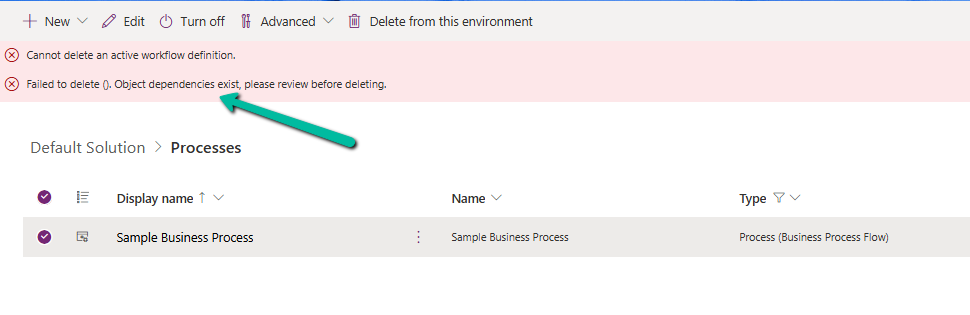
At first glance, this seemed straightforward — if dependencies exist, we just need to review and remove them. But here’s where things became confusing. When we opened the Show Dependencies option for the Business Process Flow, nothing was listed. No forms, no views, no plugins, no workflows — absolutely nothing.
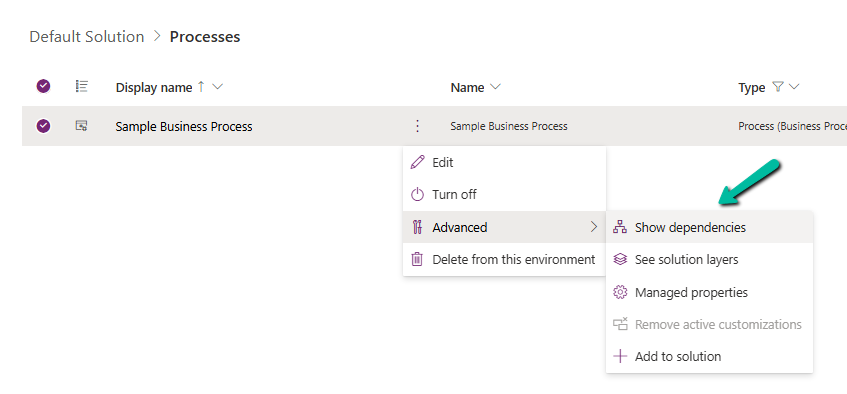
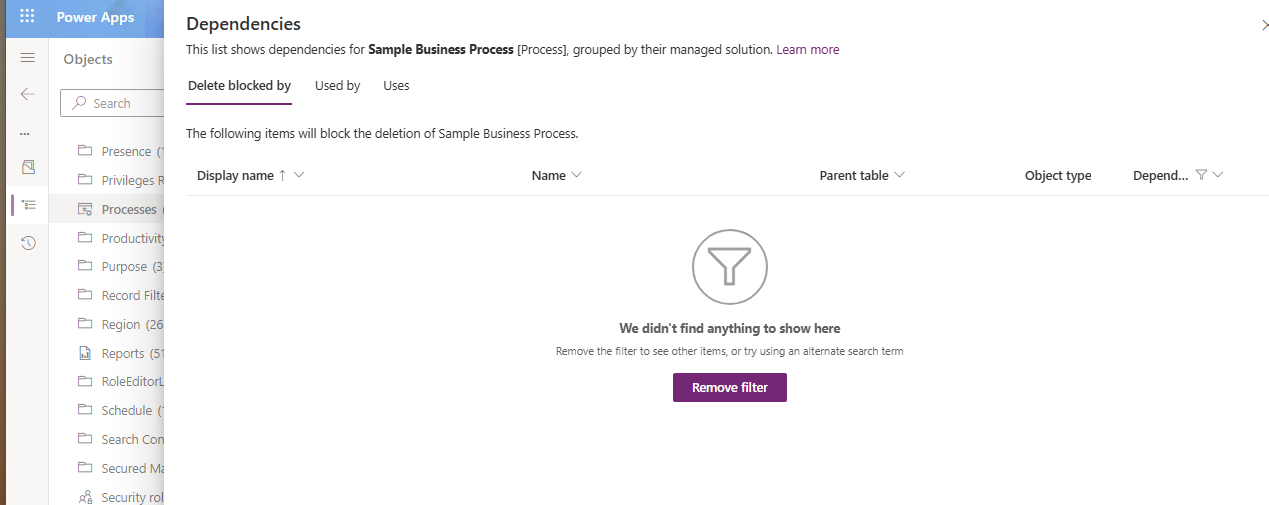
After searching for different components, we finally found one of the cloud flows referring to it. It was creating an instance of the BPF. That reference was enough for Dataverse to block deletion — even though it wasn’t being displayed in the dependency viewer for the component.
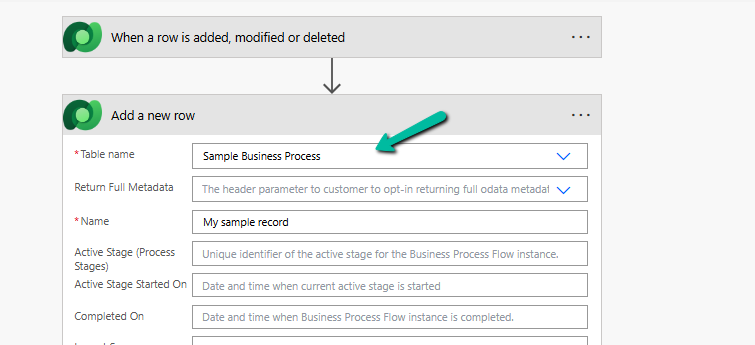
Once we identified the cloud flow, we removed the step that was creating the Business Process Flow instance. After saving and publishing the updated flow, we attempted deletion again.
This time — success.
The Business Process Flow was deleted without any issues.
Hope it helps ..
Discover more from Nishant Rana’s Weblog
Subscribe to get the latest posts sent to your email.
Share It –

