



Recently while trying to import the product records in our Dynamics 365 Sales, we got the below error – “The Default Unit is not a member of the specified Unit Group”
We were providing the correct UoM Group and Default UoM in our Excel file to be imported.
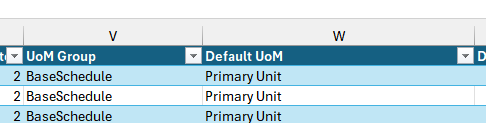
After some troubleshooting, we realized that we had 2 units with the same name “Primary Unit”, because of which the system was not able to identify the correct unit to be used during the import.

To fix this issue, we replaced the Name with the Guid of the record in our excel file.
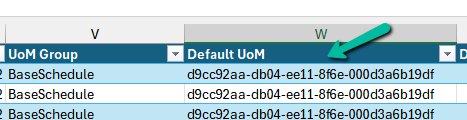
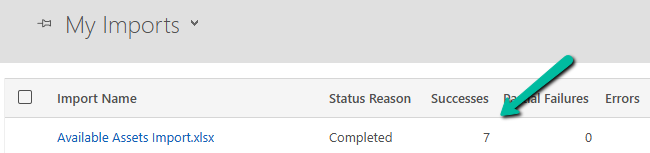
This fixed the issue for us and we were able to import the product records successfully.
Hope it helps..
Advertisements
Discover more from Nishant Rana’s Weblog
Subscribe to get the latest posts sent to your email.
Share It –

