

[ad_1]
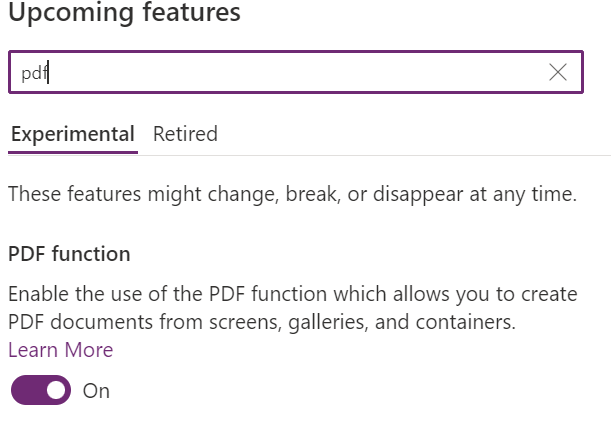
With the recently experimental PDF feature that is available from Power Apps authoring versions 3.22094.* we are now able to export screens, galleries and containers to PDF and obtain the output of this export as bytes, and use it on the PDF viewer or send it to a flow, so we can save it to SharePoint, OneDrive and etc.
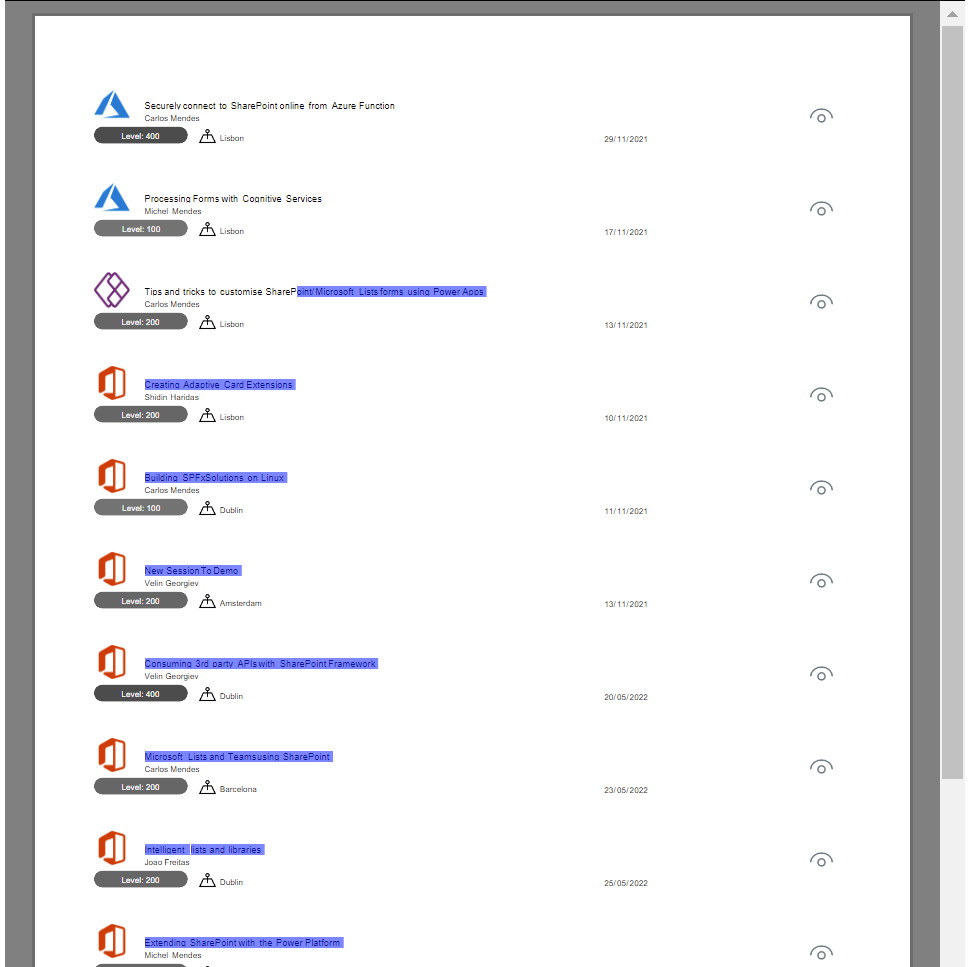
The advantage of this approach instead using the Print function to print screens is that we can get the full content of galleries/containers in a PDF, so we are not limited to only what is displayed in the screen.
The text in the PDF file exported using this function is also selectable, so we are here exporting ‘real’ PDFs, and not screenshots from screens into PDF files:
Sending the exported PDF in an email message
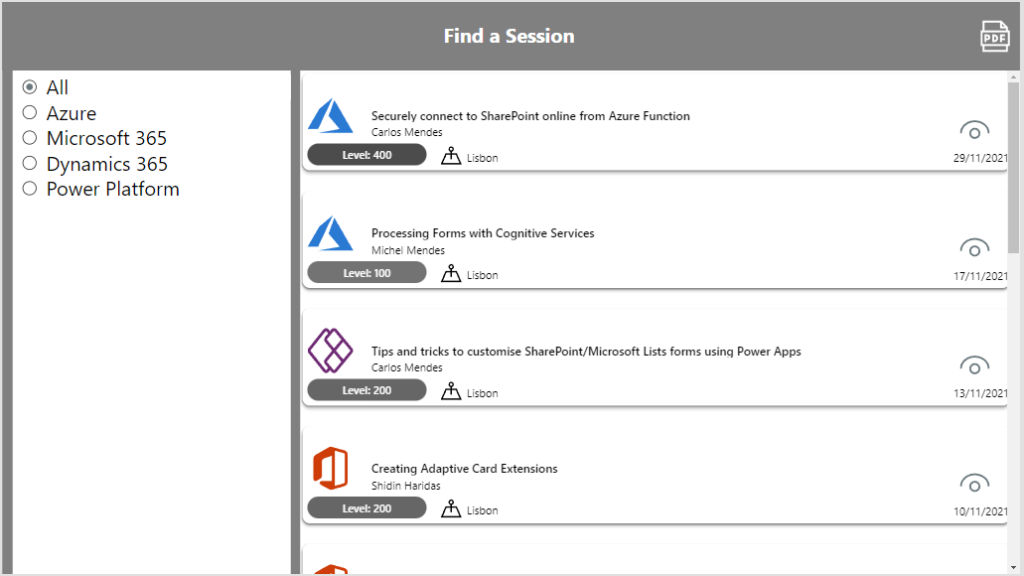
Consider you have a gallery with content you want to export as below. The gallery content is not fully visible as below:
The PDF export function is really simple, you can use it to generate content directly or to save it in…
[ad_2]
Source link