

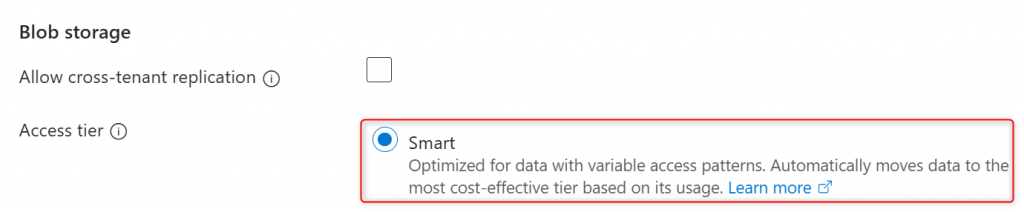

Microsoft announced yesterday the general availability of the new smart tier option for Azure Blob and Data Lake Storage. Smart tier is a fully managed, automated tiering capability for Azure Blob Storage and Data Lake Storage that helps optimize storage costs without ongoing operational effort. By continuously optimizing data placement, smart tier ensures your storage costs are aligned with actual usage.
Smart tier automatically shifts data between hot, cool, and cold tiers based on how often it’s used, helping reduce storage costs without requiring additional rules or policies. It’s a good choice when access patterns are uncertain and you’d rather not manage tier transitions yourself.
New data starts in the hot tier by default. Objects not accessed for 30 days move to cool, and after 90 days of inactivity they move to cold.
If an object is accessed later, it automatically returns to hot and the tiering timeline restarts. Over time, moving inactive data into lower-cost tiers can deliver significant savings. Objects stored in smart tier are still subject to the access behavior, performance characteristics, and SLAs of the underlying capacity tier.

Pre-requisites to use smart tier in Azure Blob Storage are the following:
- A Standard general-purpose v2 (GPv2) storage account. Smart tier doesn’t support legacy Standard general-purpose v1 (GPv1) accounts or premium storage accounts.
- Zone-redundant storage (ZRS, GZRS, or RA-GZRS).
- Smart tier works only on block blobs. Page blobs and append blobs aren’t supported.
To use smart tier, create a Standard general-purpose v2 (GPv2) Azure storage account and select ZRS, GZRS, or RA-GZRS as redundancy:

then in the Advanced tab you can select the Smart access tier:
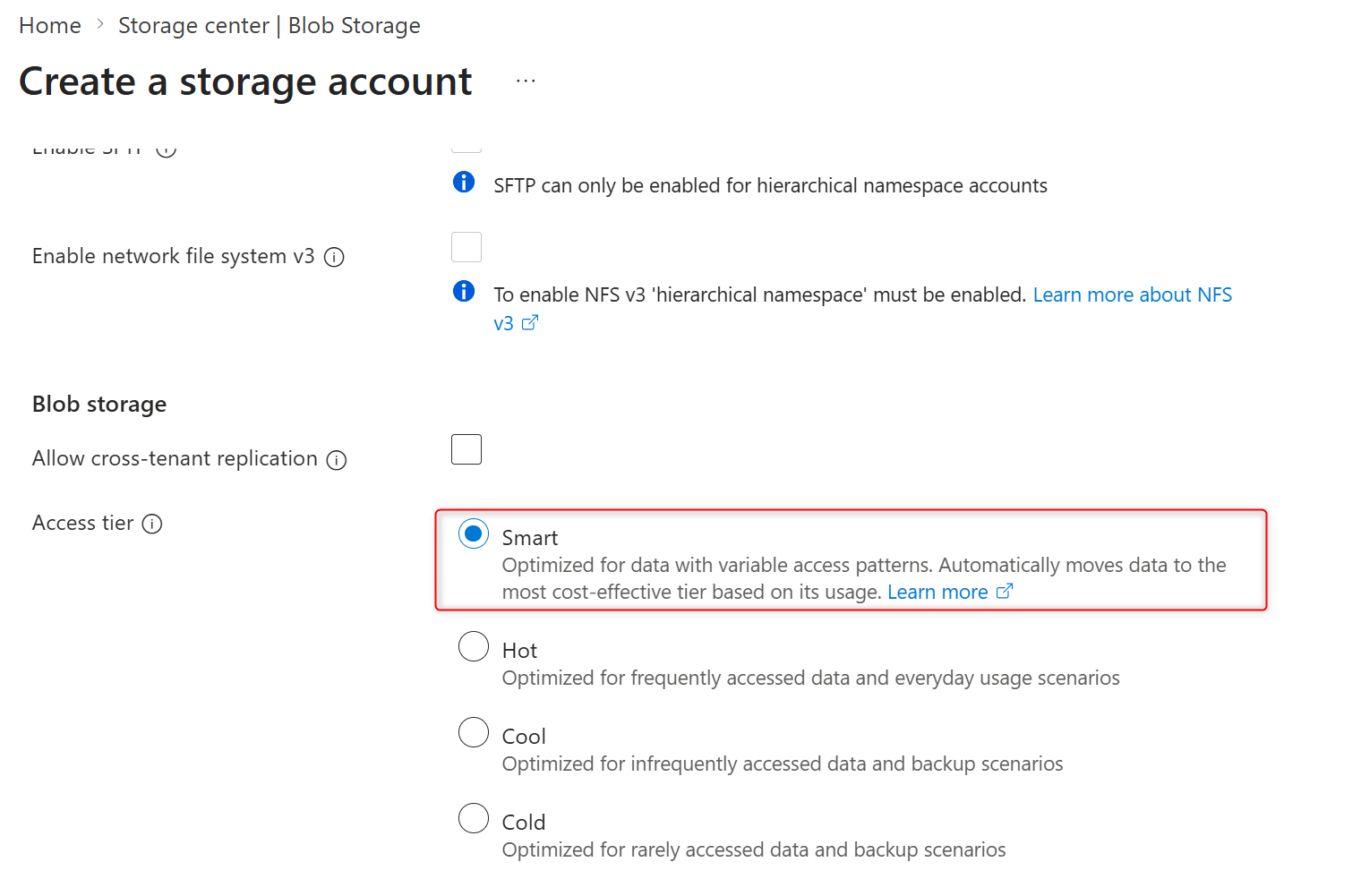
You can also cha nge the Access tier of an existing storage account to Smart if the storage account belongs to the previously explained pre-requisites.
How smart tier works?
Smart tier automatically manages blobs across the hot, cool, and cold capacity tiers (it doesn’t support archive). New or newly moved smart-tier blobs start in hot. Blobs smaller than 128 KiB stay in hot (SmartHot-small); once they reach 128 KiB+, normal tiering applies.
Eligible blobs remain in hot for 30 days, then move to cool if there’s no access. Get Blob and Put Blob count as access and update last access time; Get Blob Properties/Metadata/Tags do not and won’t affect tiering. After another 60 days without access, blobs move to cold and stay on online tiers unless accessed again.
Any access resets the timer and immediately returns the blob to hot. Lifecycle management can’t be used to tier smart-tier blobs (but can still delete them), and other storage actions can’t force tier changes. Soft-deleted blobs continue tiering to cooler tiers until their retention period expires.
What about billing?
Smart tier has no separate pricing: each object is billed using the hot/cool/cold capacity rates of the tier it currently resides in, pay-as-you-go only (no reserved capacity). Blobs over 128 KiB incur a monthly monitoring charge; blobs 128 KiB or smaller do not. Smart tier also doesn’t charge for internal tier transitions, early deletion, or data retrieval.
All billed access transactions are charged at hot-tier rates, including the automatic move back to hot when an object is accessed. Moving blobs into smart tier doesn’t create a tier-transition transaction, while moving blobs out of smart tier triggers a cool write per object. Blob versions and snapshots are billed at full content length.
Who is smart tier for?
Smart tier fits organizations that manage large or rapidly growing object datasets, have mixed or unpredictable access patterns, want to reduce costs without managing lifecycle rules, and still need data to stay online and immediately accessible. It also helps prevent unexpected cost spikes from unplanned rehydration of cool/cold data (useful for data lakes, analytics, logs, telemetry, and changing application datasets).
Why enable it now?
The new Smart tier option reduces operational overhead, automatically matches storage costs to real usage, keeps frequently used data hot with automatic re-access, and simplifies billing (no internal transition/early deletion/retrieval charges, just a per-object monthly monitoring fee for eligible objects). It’s designed to scale for large, evolving data estates.