Finance & Operations
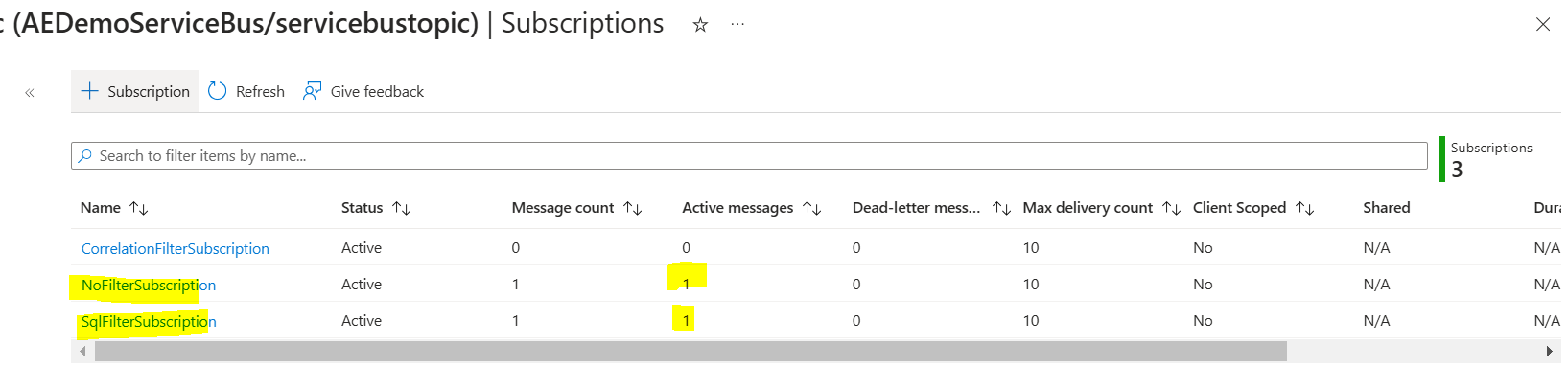
How to filter messages in Azure Service Bus using Logic apps as Sender and Receiver
Service bus Subscribers can define which messages they want to receive from a topic. These messages are specified in the form of one or…
After the intro published a week ago: Model-driven app for D365HR I decided to follow up and show you how two solutions can finish…
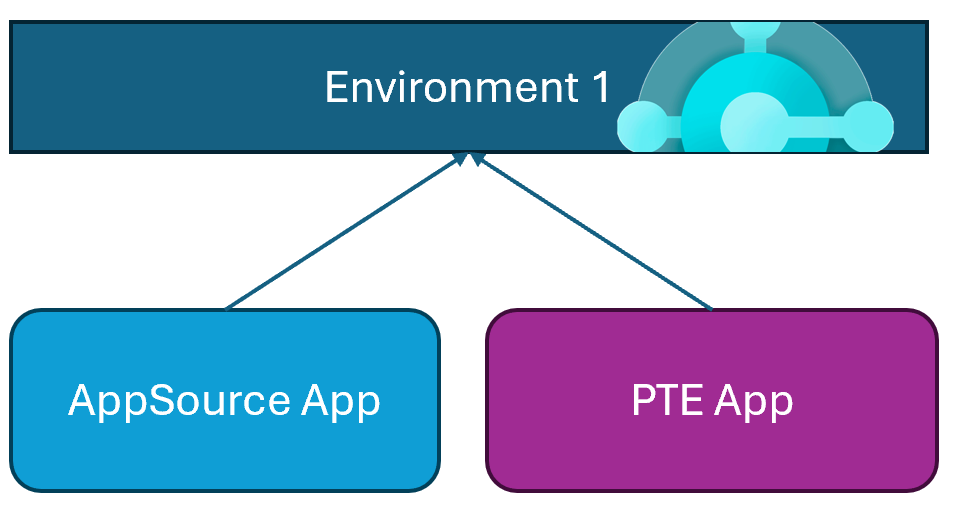
I think that everyone of you know the difference between a Dynamics 365 Business Central AppSource extension and a per-tenant extension (PTE): AppSource apps…
Using the new features – Create a formula (preview) and Explain this formula we can now easily write, edit, and understand formulas in Power…
Field Suggestions by Copilot for Canvas Apps apply to Gallery, Form Table controls both classic and modern for Dataverse, SharePoint, or SQL Server data…