Finance & Operations
Logic apps Standard – Parameterization
In Logic Apps Standard, parameters play a crucial role in creating dynamic, flexible, and reusable workflows. Parameters enable the reuse of workflows by allowing…
In Logic Apps Standard, parameters play a crucial role in creating dynamic, flexible, and reusable workflows. Parameters enable the reuse of workflows by allowing…
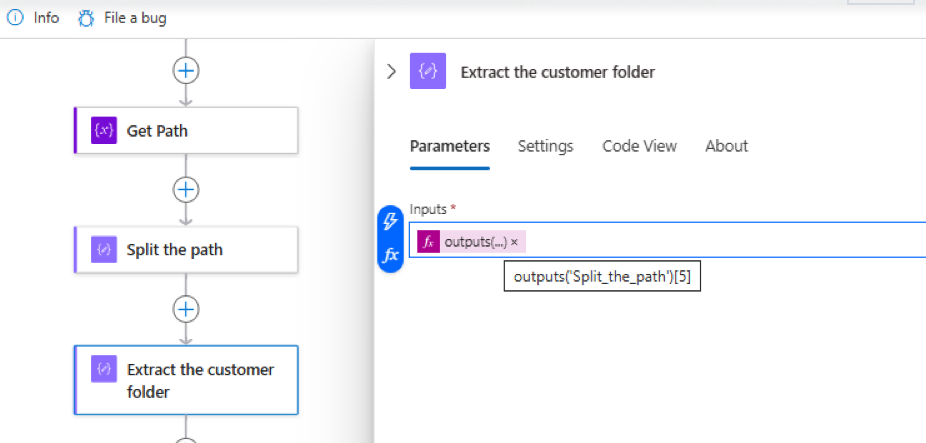
I was working on a SharePoint integration that involved multiple subfolders within a parent folder. Files could be dropped into any of these subfolders,…
Microsoft has introduced a new feature, through which we can now specify a particular app as a start-up app, that will open up when…
With this new feature (preview) now we can specify the columns to be downloaded on mobile devices for offline use. Select edit for the…
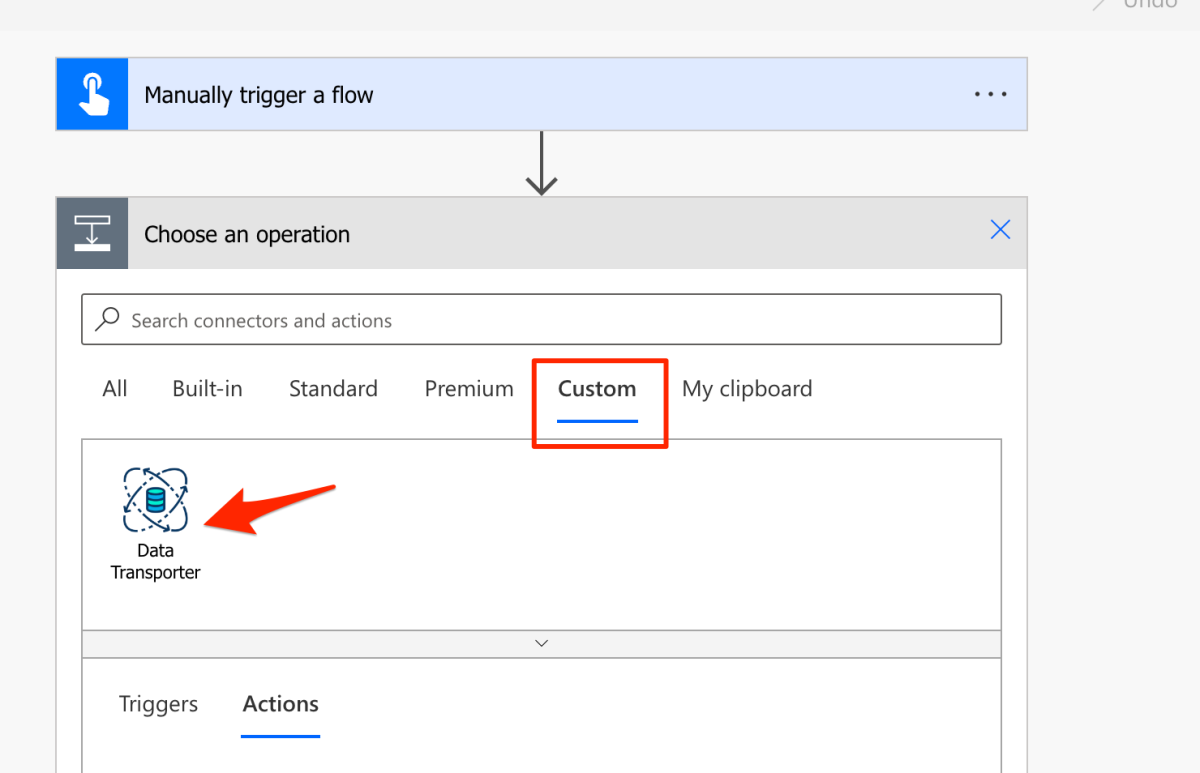
This post will help you get around building your first Custom Connector in Power Platform and Power Apps! Continue Reading priyeshwagh777’s Article on their…